This is an Autohex II BMW Professional Programming ToolThis tool covers ECU programming and coding.What you get:Autohex II Hardware WVCI HW 5.BMW Software Standard License.BMW Ecu Online Programming License.BMW Software ISN Boot Mode License.BMW ISTA/D driver to run dealer software.OBD CableFEM CableTricore CableUSB CablePower Adapter1 year technical support.1 year hardware warranty. Using this kit you can do following: Read ISN in G Series:MD1 and MG1 (MDG1) ISN Reading of following DME/DDE (writing is possible for some DMEs):DME_840DME_840HDME_84T0DME_860DME_86T0DME_880DME_88T0DDE803PDDE832CRead and Write ISN in MD1 and MG1 F Series:MD1 and MG1 (MDG1) ISN Reading of following DME/DDE:DME_83T1DME_840DME_841DME_841HDME_861DME_88T0DDE803Read and Write All ISN in F Series:Autohex II reads and writes all ISN of DME/DDE in F series:EDC17C41EDC17C41EDC17C50EDC17C56EDC17C76EDC17CP09EDC17CP45EDC17CP49MEVD17.2MEVD17.2.3MEVD17.2.4MEVD17.2.5MEVD17.2.6MEVD17.2.8MEVD17.2.9MEVD17.2.GMEVD17.2.HMEVD17.2.PRead and Write All Long ISN in E Series:Autohex II reads all ISN of DME/DDE in E series:EDC17C06EDC17C41EDC17C50EDC17C56EDC17C76EDC17CP02EDC17CP09EDC17CP45EDC17CP49MSV80MSV80.1MSD80MSD81MSD85MSD85YMSS60MED17.2MEV17.2MEV17.2.2MEVD17.2MEVD17.2.2MEVD17.2.7MEV1746MEVD17.2.4MEVD17.2.5MEVD17.2.9Read most of old ISN in E Series:Autohex II reads the ISN of DME/DDE in E series:EDC16C1EDC16C31EDC16C35EDC16CP35ME9ME9.2ME9.2.2MEV9.2MSV70MS45Individual Programming for any Ecu (DOIP Protocol)Autohex II is the most advanced tool for BMW Ecu programming, it supports E series, F Series and G SeriesCAS1, CAS2, CAS3, CAS3+, CAS4 and CAS4+ ISNWith Autohex II you can read and write ISN from all CAS versions in E and F seriesRead ISN from all Trciore DME/DDE by boot modeThis function is important when the DME/DDE is not responding, and you need the ISN for replacmentBMW E series EGS ISN matching with CASYou can reset EWS security from all BMW E series EGS by OBDBMW F series EGS EWS Reset for 6HP and 8HP modelsYou can reset EWS in EGS 6HP (On Bench) and 8HP by OBD or On BenchBMW E series, F series, and G series Auto CodingAutohex II calculates the required coding data automatically from the car vehicle order, then it applies these data to the target moduleManaging the Vehicle Order (FA) in BMW carsYou can modify the Vehicle Order to do retrofit the configuraion. You can also backup and restore the FA from the backup ECUUnlock Security from CAS4, CAS4+, FEM and BDCYou can unlock secrity of CAS4/4+, BDC and FEM to able to:Change CAS and BDC and FEM VINChange CAS and BDC and FEM ISNMileage Reset for CAS and BDC and FEMMaking a key for CAS and BDC and FEMRead and Write ISN on Bench for MSX8XWith Autohex II you can read ISN of MSD80, MSD81, MSD85, MSD85Y, MSD87, MSV90 in E/F series on Bench without opening the ECU Specifications Table:Online Ecu ProgrammingYESEcu CodingYESEcu Advanced CodingYESRead ISN DME and CASYESWrite ISN DME and CASYESRead ISN From EGS 6HP/8HPYESReset EGS EWS 6/8 HPYESDME ISN By Boot ModeYESVehicle Order (FA) ManagerYESRead CAS2,3,4,4+ Flash (BDM)NOCAS1,2,3,4 Key ProgrammingNOFEM/BDC Key ProgrammingNOCAS4/FEM/BDC Mileage ResetYESCAS/FEM/BDC ReplacmentYESHextag Tool IncludedNOTechnical Support1 year (Extendable)Microtronik Downloads
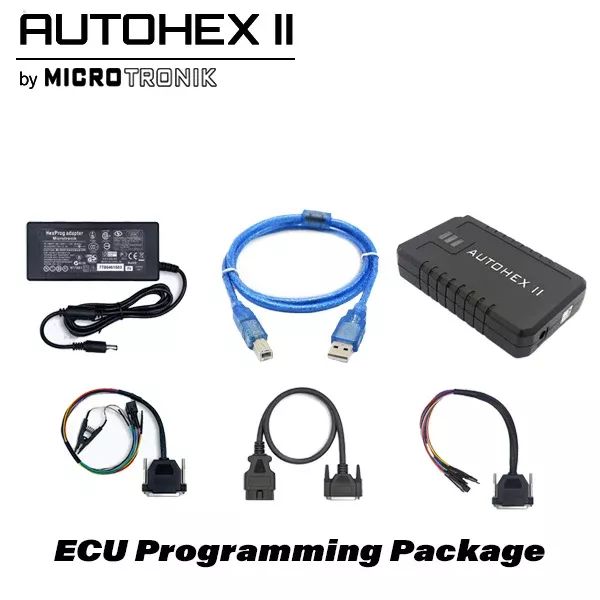
*Discontinued* Microtronik – Autohex II BMW Professional Programmer – ECU Programmer
Original price was: $2,586.00.$2,003.28Current price is: $2,003.28.
Sale!Related products
Sale!

*Discontinued* Mini ACDP Key Programmer – Locksmith Package – November Special – Limited Time Bonus Items
Original price was: $1,187.46.$629.79Current price is: $629.79.
Sale!

*Discontinued* Microtronik – Autohex II BMW Standard And ISN Tricore Boot Mode – Key Programmer and Diagnostics
Original price was: $1,710.00.$1,136.32Current price is: $1,136.32.
Sale!
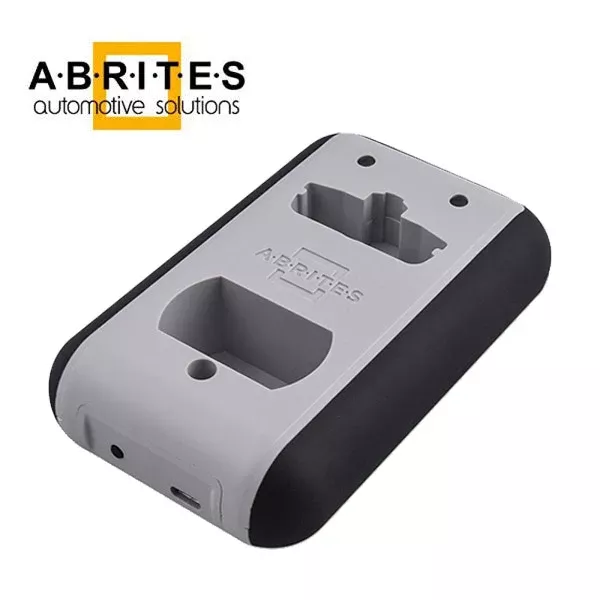
ABRITES – PROTAG V2 Programmer w/ TA31 & Activation – ZN003
Original price was: $330.00.$219.16Current price is: $219.16.
Sale!

*Discontinued* Microtronik – Autohex II BMW Standard Package – Key Programmer and Diagnostics
Original price was: $1,680.00.$1,158.21Current price is: $1,158.21.
Sale!

*Discontinued* Mini ACDP Key Programmer – Gearbox Package – November Special – Limited Time Bonus Items
Original price was: $891.00.$499.31Current price is: $499.31.
Sale!
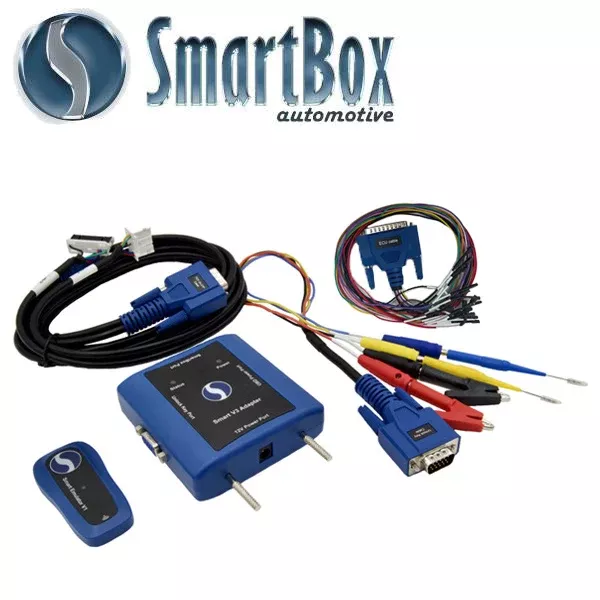
SmartBox – SmartBox V3 Adapter and Unlocking Key Core Package
Original price was: $239.20.$146.84Current price is: $146.84.
Sale!
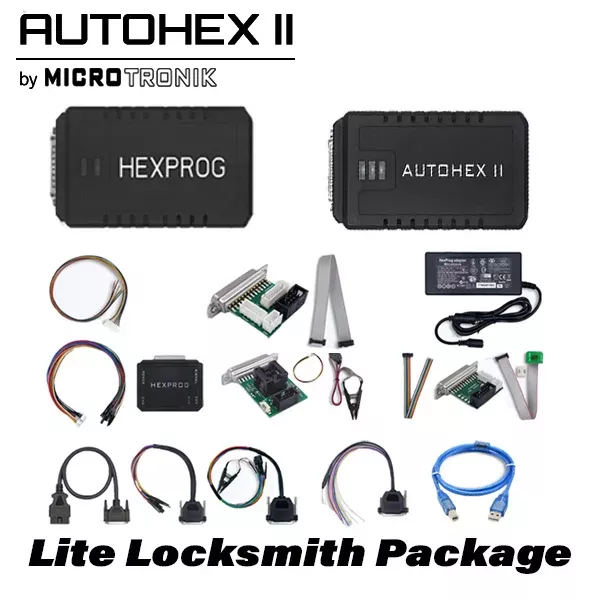
Microtronik – Autohex II BMW Lite Locksmith Package – Key Programmer and Diagnostics
Original price was: $1,650.00.$830.69Current price is: $830.69.
Sale!